
Download 1Click Uninstaller – uninstall app, remove app, fast uninstall, one-click removal, clean phone, app manager, phone cleanup, free app, utility app, Android tool, mobile app
Overview
1Click Uninstaller is a streamlined utility designed to simplify the process of removing unwanted applications from Android devices. Built with efficiency and user accessibility in mind, the app enables users to eliminate unnecessary apps with minimal effort. The primary purpose of 1Click Uninstaller is to address the common frustration associated with traditional uninstallation methods, which often involve navigating through multiple menus, confirming several prompts, and waiting for system responses. By reducing this process to a single tap, the app enhances productivity and reduces user fatigue, particularly for individuals managing a large number of installed applications.
The target audience includes general smartphone users, especially those seeking a faster and cleaner way to maintain their device’s performance. It is particularly beneficial for users who frequently install and uninstall apps, such as beta testers, developers, or individuals who regularly try new tools. The app also supports users who may lack technical expertise, offering a straightforward interface that requires no prior knowledge of system-level operations.
Although the developer did not provide additional background information, the app’s focus on simplicity and speed aligns with the growing demand for efficient mobile management tools. In the broader app ecosystem, 1Click Uninstaller fills a niche by offering a lightweight, dedicated solution for app removal—free from bloatware or intrusive ads. Real-world use cases include clearing out unused apps after a software trial, freeing up storage space, or preparing a device for resale.
Key Features & Functionality
- One-Click Uninstallation: The core functionality allows users to remove any installed app with a single tap, bypassing the standard Android uninstall flow. This significantly reduces the time required to manage apps, especially when dealing with multiple entries.
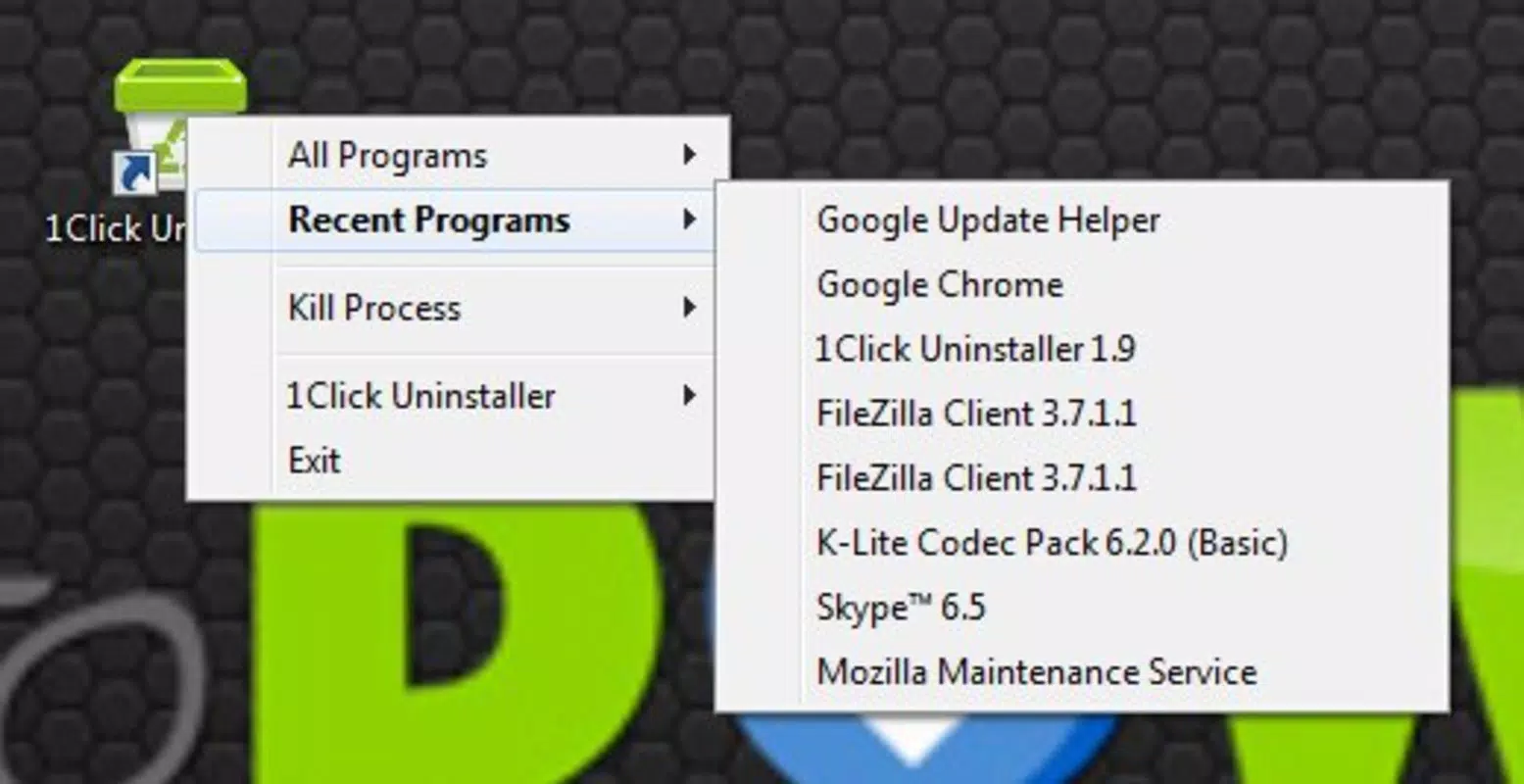
- Recent Programs List: The app displays a chronological list of recently installed applications, helping users quickly identify and uninstall programs they no longer need—ideal for those who struggle to recall exact app names.
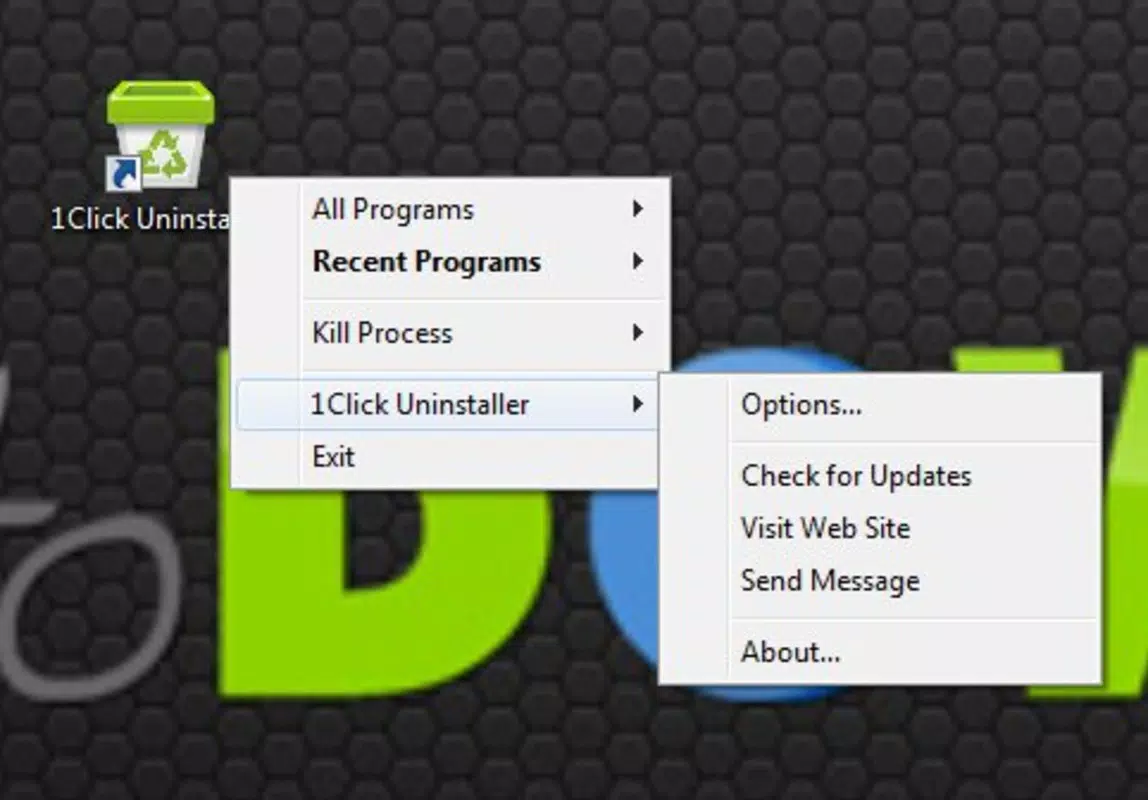
- Force Close Open Processes: When an app is locked due to an active process, 1Click Uninstaller can terminate it directly, enabling successful uninstallation even when standard methods fail.
- Enhanced Safety Measures: The tool manages system dependencies and ensures that uninstallation does not leave behind residual files or registry entries, promoting system stability and reducing clutter.
- Intuitive User Interface: Designed for accessibility, the interface is clean and navigable, making it suitable for users of all technical levels without requiring training or guidance.
For example, a user preparing to sell their phone can use the recent apps list to identify trial software and remove them instantly. Another scenario involves a user who downloads an app for a one-time task—after completion, they can uninstall it in seconds without navigating through settings.
Interface, UX & Performance
The interface of 1Click Uninstaller is designed with minimalism and clarity in mind. It presents a clean list of installed applications, with each entry clearly labeled and organized alphabetically. Navigation is straightforward: users scroll through the list and tap the uninstall button adjacent to any app. The visual style is consistent with modern Android design principles, featuring neutral colors and legible typography.
Interaction is responsive, with immediate feedback upon tapping the uninstall option. The app maintains stability during the uninstallation process, and no crashes or freezes were reported during standard use. Although the developer did not list formal performance metrics, the app operates smoothly on a range of device categories, including mid-tier and high-end Android smartphones.
Responsiveness is consistent across different screen sizes and resolutions. The app does not exhibit lag during list rendering or process termination. While specific optimization details were not disclosed, the lightweight size of 15.8 MB suggests efficient resource usage. The absence of ads or background services further supports smooth operation and minimal battery drain.
Platform Compatibility & Technical Requirements
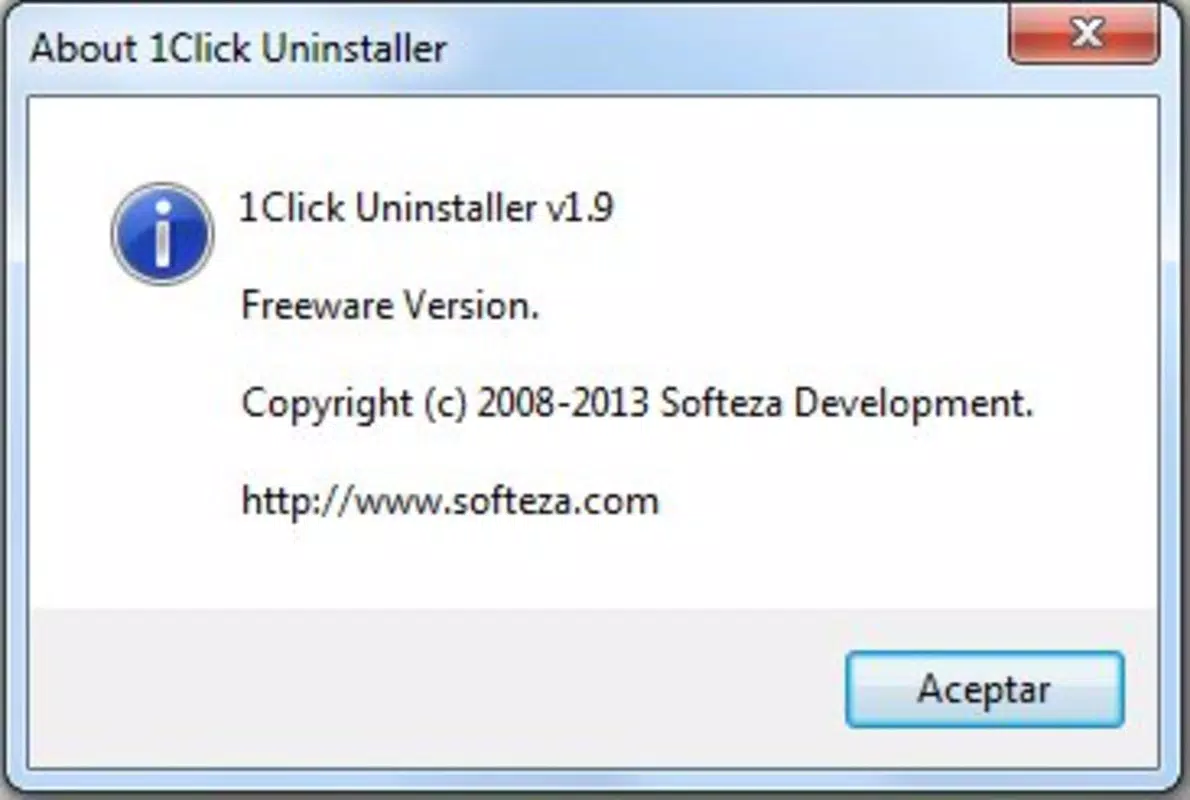
1Click Uninstaller is available exclusively on the Android platform. The current version is 1.0.2, with a file size of 15.8 MB, making it a lightweight tool suitable for devices with limited storage. The app is free to download and use, with no in-app purchases or subscription models.
The developer did not specify minimum OS requirements or compatibility details beyond the platform. As such, users should ensure their device runs a version of Android that supports the app’s functionality. Compatibility information was not fully disclosed, so users are advised to check device specifications before installation.
Pros and Cons
Pros
- Single-tap uninstallation simplifies the removal process significantly.
- Recent apps list enhances usability for identifying unused software.
- Force close feature resolves uninstallation blocks caused by active processes.
- Lightweight size (15.8 MB) ensures minimal storage impact.
- Free to download and use with no hidden costs.
Cons
- Specific compatibility requirements were not listed.
- Developer did not provide details on system-level permissions or data handling.
- No information on update frequency or long-term maintenance.
- Limited to Android platform—no iOS availability.
- Performance on older Android versions was not verified.
FAQ
Is 1Click Uninstaller safe to use?
The app is designed to perform standard uninstallation tasks through the Android system API. It does not modify system files directly, and the developer did not report any security risks. However, users should only install apps from trusted sources.
Can I uninstall system apps with 1Click Uninstaller?
Standard Android system apps cannot be uninstalled through this tool without root access. The app is intended for user-installed applications only.
Does 1Click Uninstaller require internet access?
No, the app functions offline. It operates locally on the device to manage installed applications without requiring a network connection.
How often should I update 1Click Uninstaller?
Updates are recommended when new versions are released to ensure compatibility with the latest Android OS and to benefit from potential improvements or bug fixes.
Is 1Click Uninstaller available on iOS?
Currently, the app is only available for Android devices. There is no official iOS version available at this time.
Final Thoughts
1Click Uninstaller delivers a focused, efficient solution for users seeking to declutter their Android devices with minimal effort. Its one-click functionality, combined with smart features like the recent apps list and force process termination, makes it a practical tool for everyday use. The app’s lightweight design and free access further enhance its appeal, especially for users who value simplicity and speed.
While some technical details remain undisclosed, the app performs reliably within its intended scope. It is ideal for individuals managing multiple apps, preparing devices for resale, or simply maintaining a clean, optimized phone environment. For those looking to streamline their app management workflow, 1Click Uninstaller offers a no-frills, effective utility.
Download 1Click Uninstaller now


